Generate
Musical ideas,
Musical ideas,
instantly.
Create melodies, basslines, chords, arpeggios and rhythmic ideas with a single action — in key, in your DAW, in seconds.
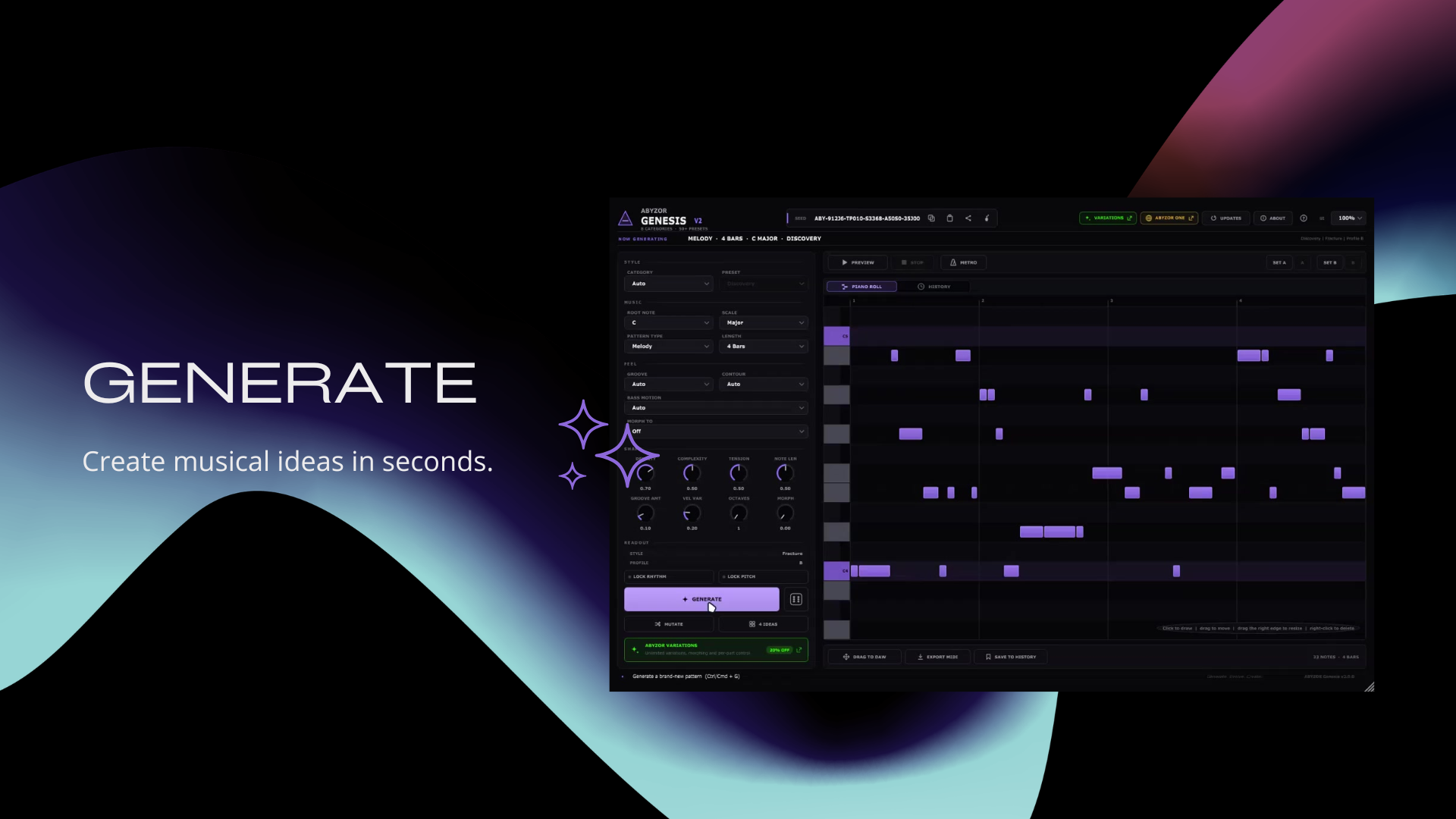
Generate the starting point.
The free starting point of the ABYZOR creative ecosystem. Generate melodies, basslines, chord progressions and arpeggios in seconds — explore them, save them, and drag them into your DAW. No account, no trial, no watermark.
Optional: add the free ABYZOR MIDI AI Module (public beta) for local AI-assisted generation. · Using v2.1.x? Install v2.2.0 manually if the updater hasn't offered it yet. · Changelog
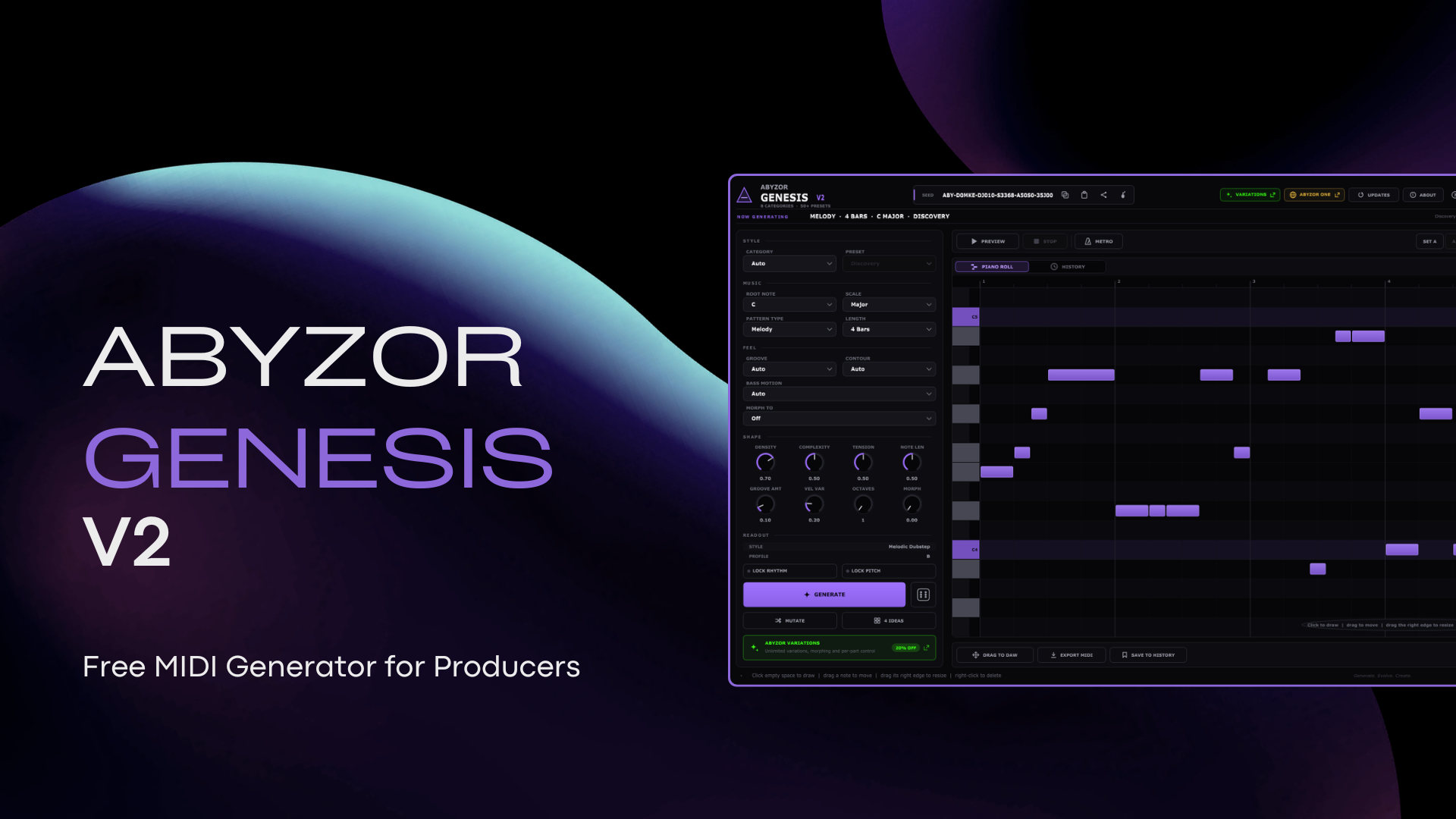
Genesis works on its own with the built-in engine. When you want AI-assisted generation and refinement, install the separate ABYZOR MIDI AI Module — unlimited local generations on GPU or CPU, no subscription.
AI is optional. You can keep using Genesis without installing the module.
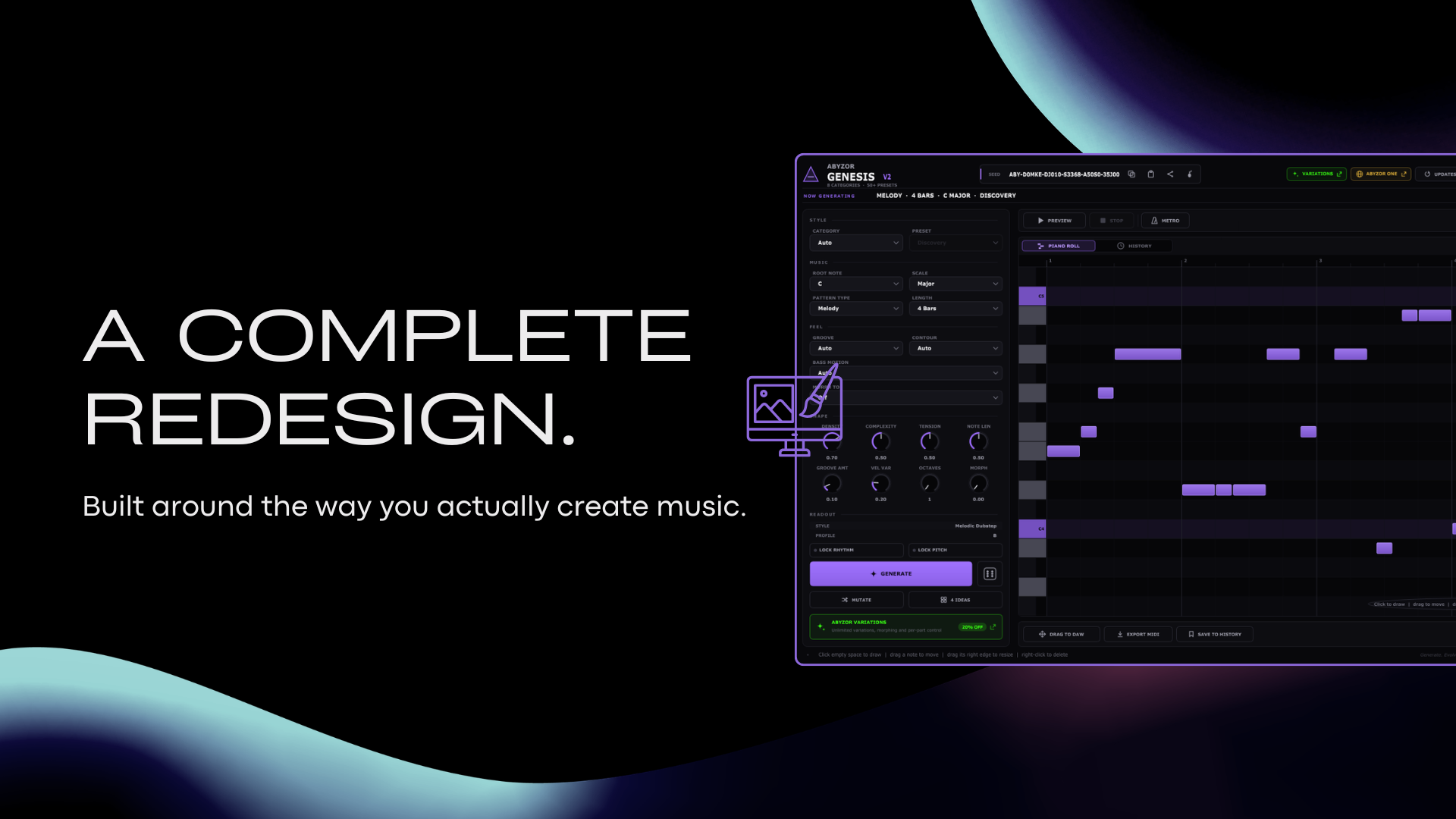
Genesis is no longer just a MIDI generator. V2 is built around the actual creative process — generate, hear, explore, edit, save, recall, drag out — with a refined interface and deeper links to the rest of the ecosystem.
Create melodies, basslines, chords, arpeggios and rhythmic ideas with a single action — in key, in your DAW, in seconds.
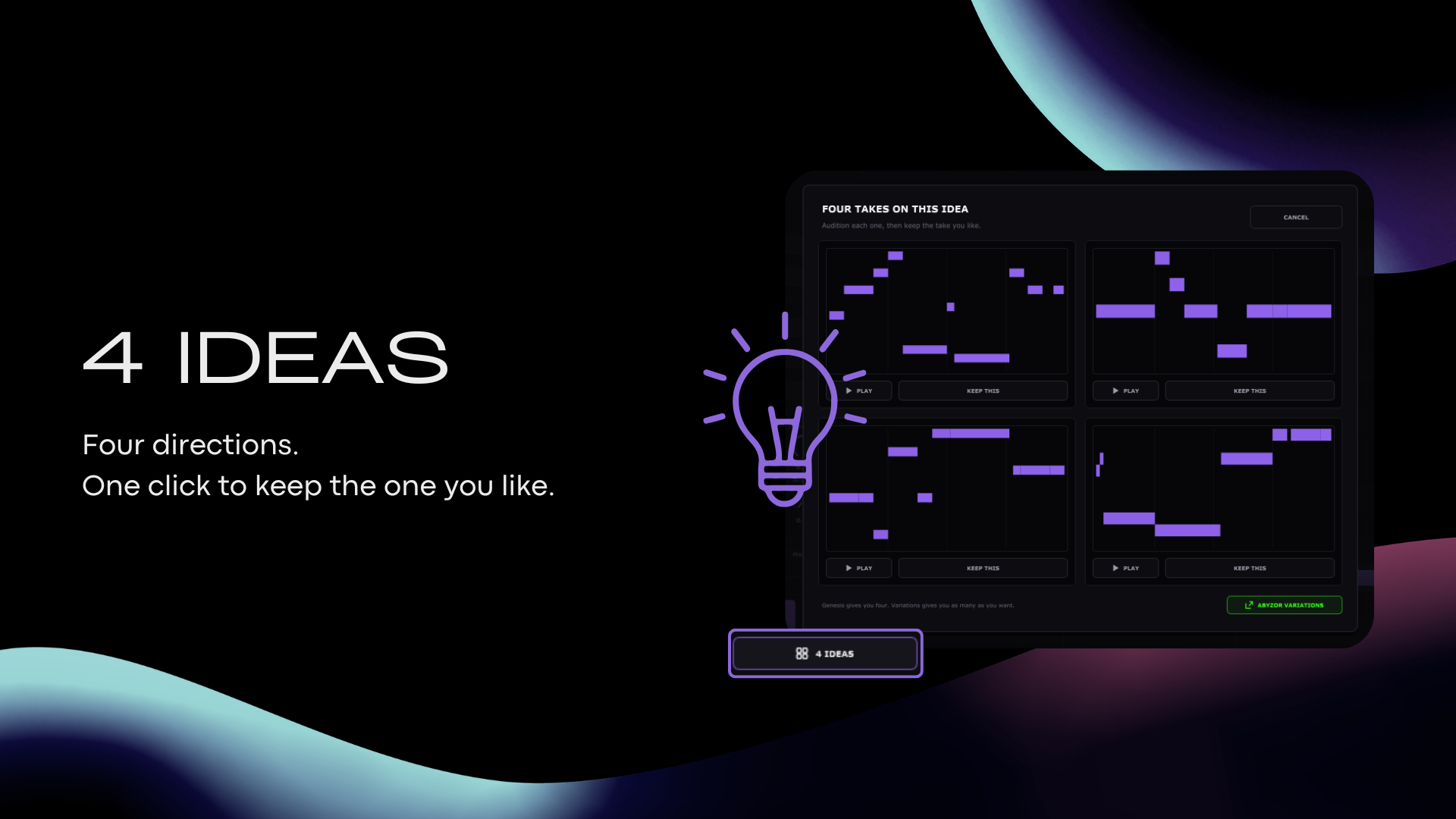
Generate four different musical directions at once, compare them visually, and keep the one with the most potential. Choosing is faster than re-rolling.
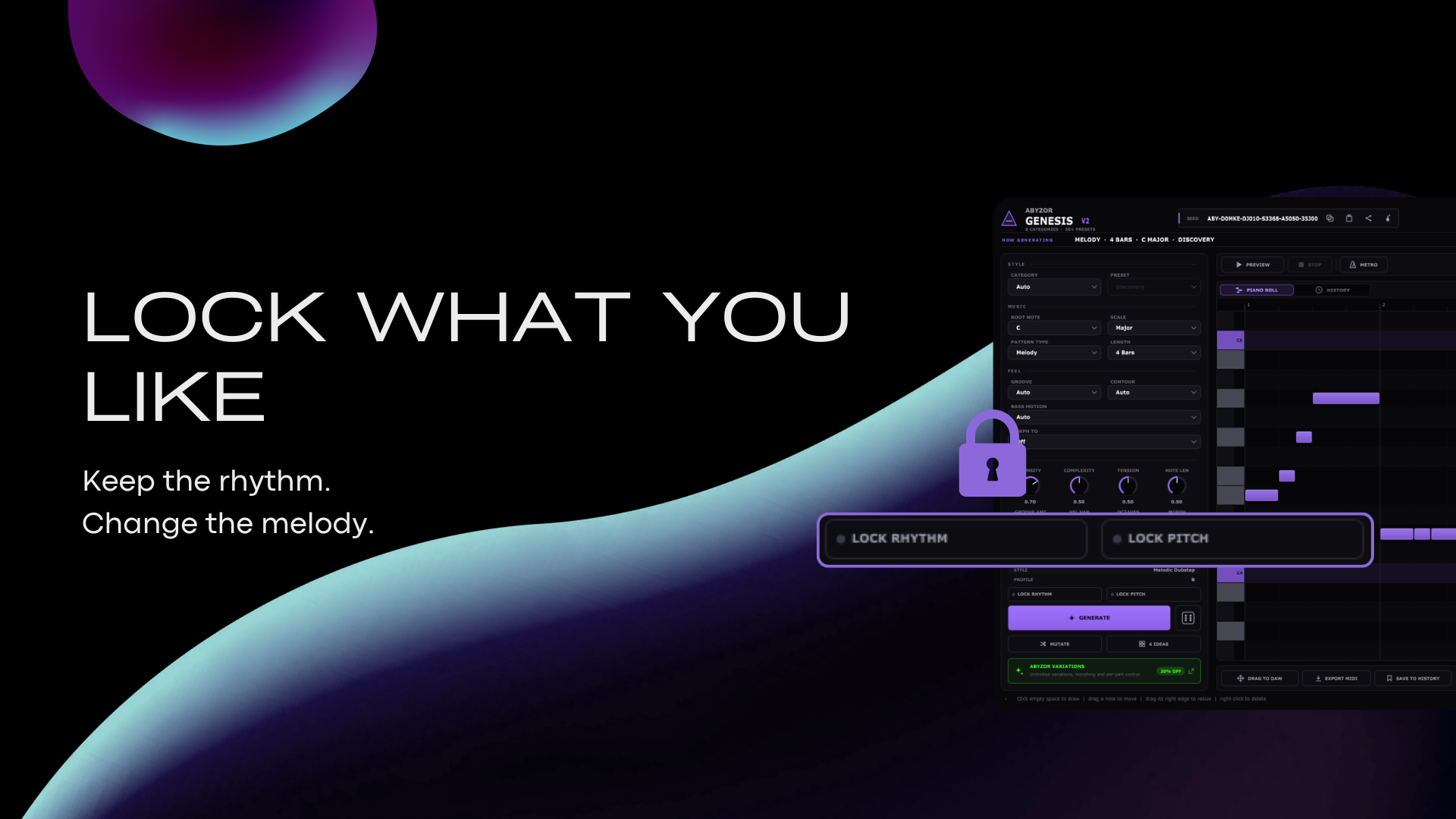
Lock the rhythm, lock the pitch — or both — and explore variations without losing the core of the idea. Then use Morph To to move the same idea toward another StyleDNA profile.
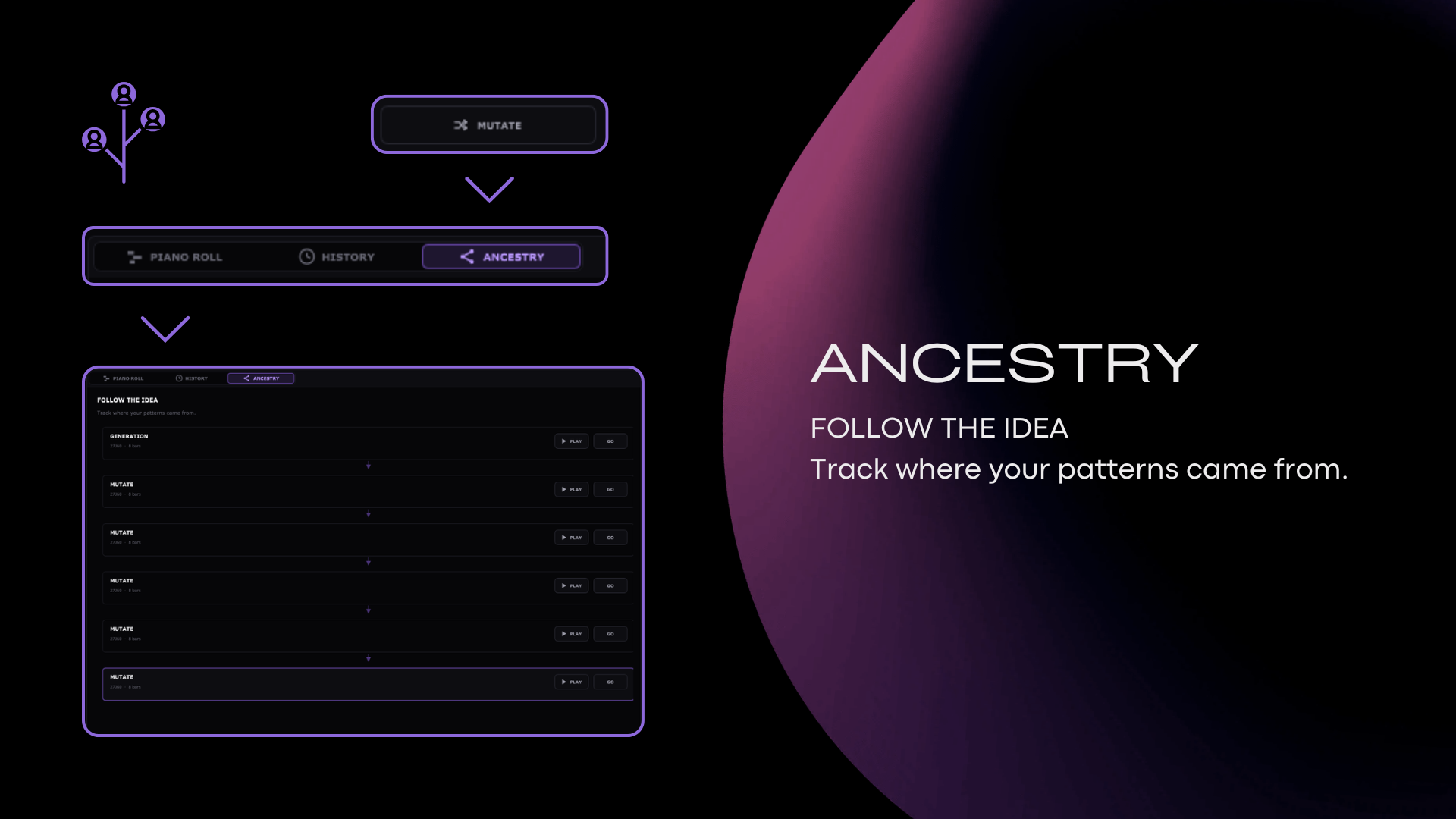
Save up to 20 patterns, each preserving the musical pattern, seed, settings and preset. The Ancestry Tree tracks how an idea evolved — generate, mutate, edit, import, create variations — so you can always get back to the version that worked.
Every Genesis idea can be represented by a deterministic seed. Share it as a simple URL — paste it back into Genesis and the idea is recreated exactly as it was generated.
Browse shared seeds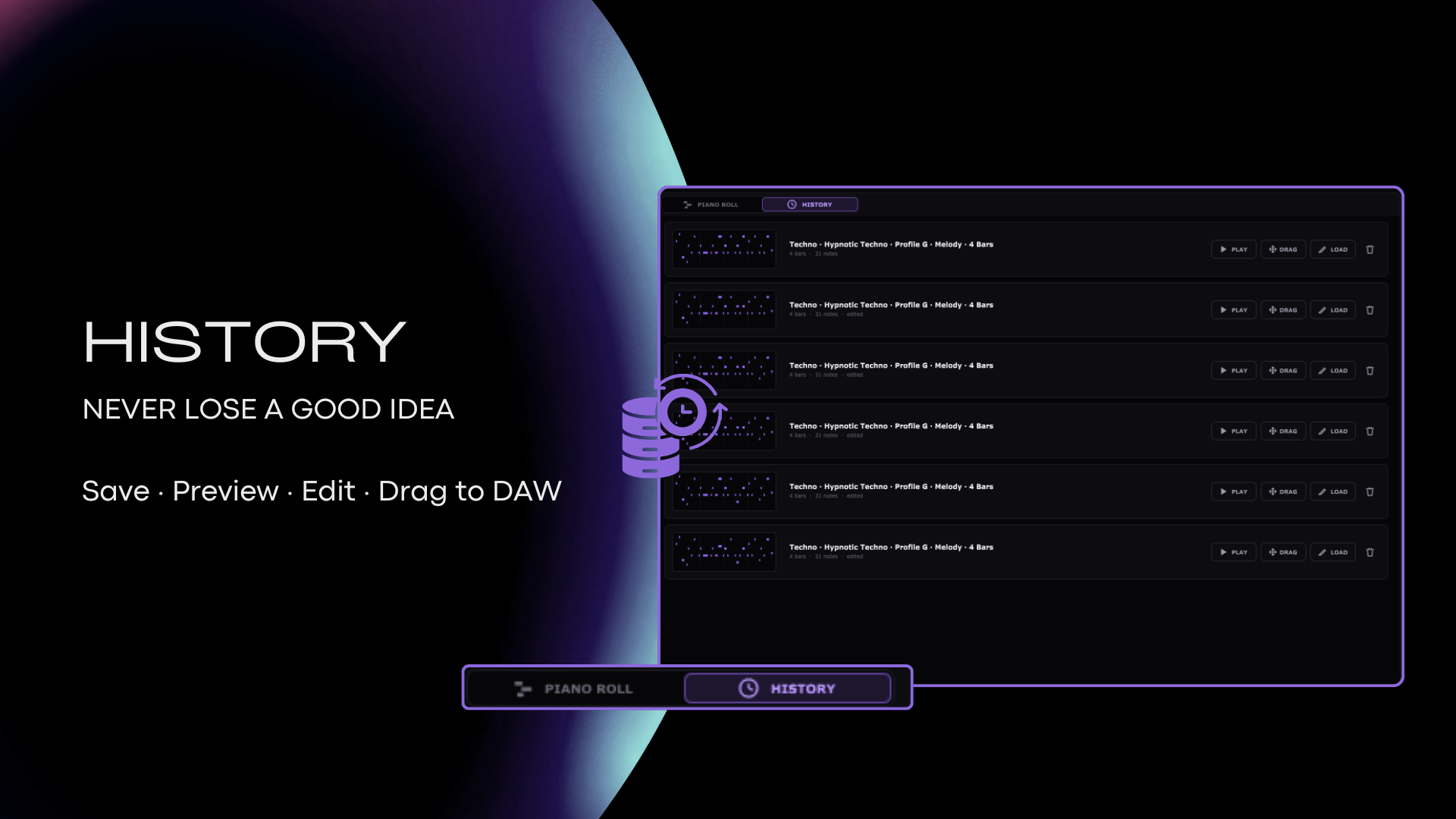
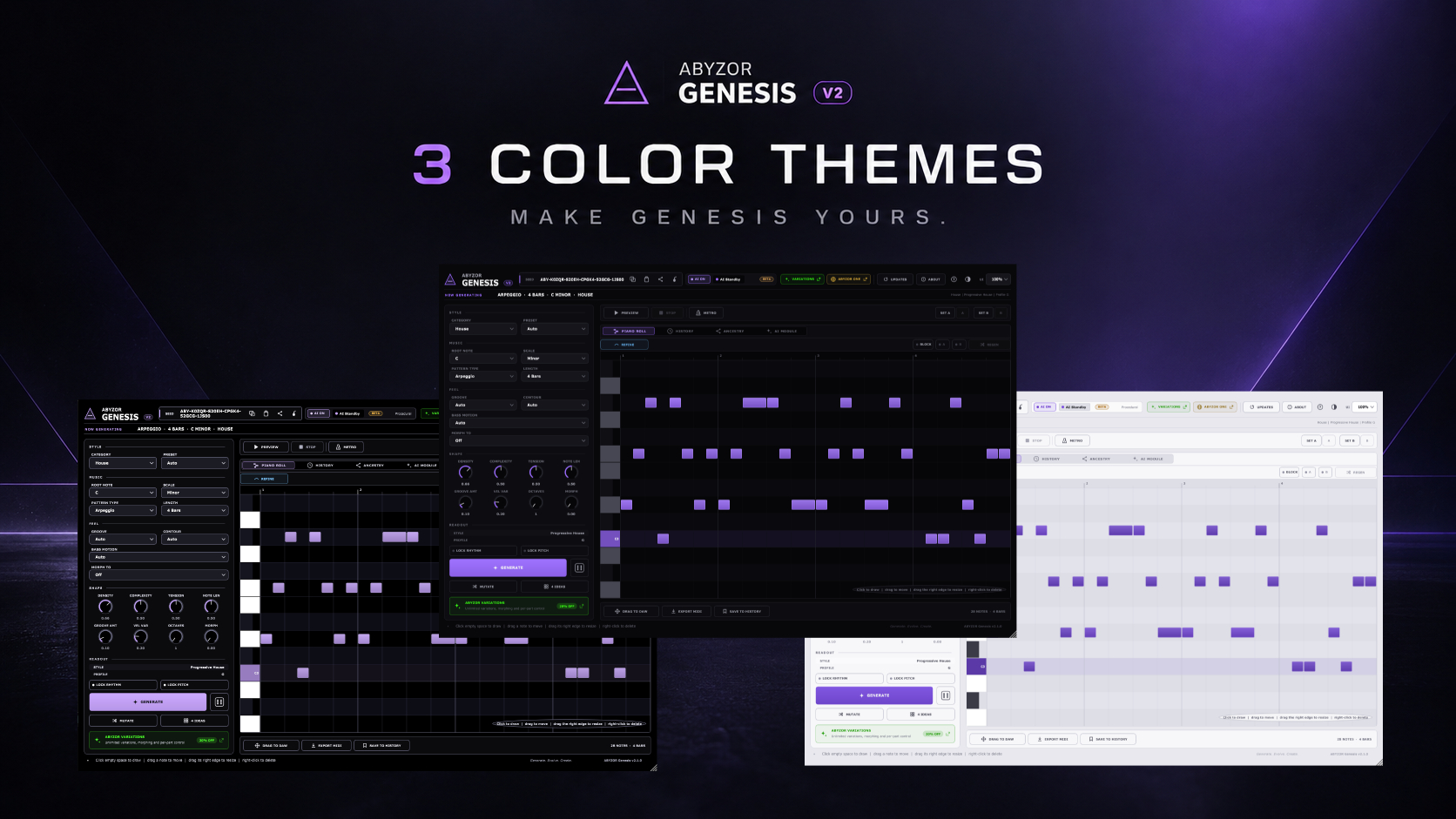
Fresh interface themes so Genesis matches how you work — dark, focused layouts that keep the piano roll and controls readable during long sessions.
Split the loop into A (question, tension) and B (answer, resolution) across melody, bass, chords and arpeggio — so a generated pattern has structure instead of just repeating.
BLOCKS is off by default — existing projects and seeds stay compatible. · Full changelog
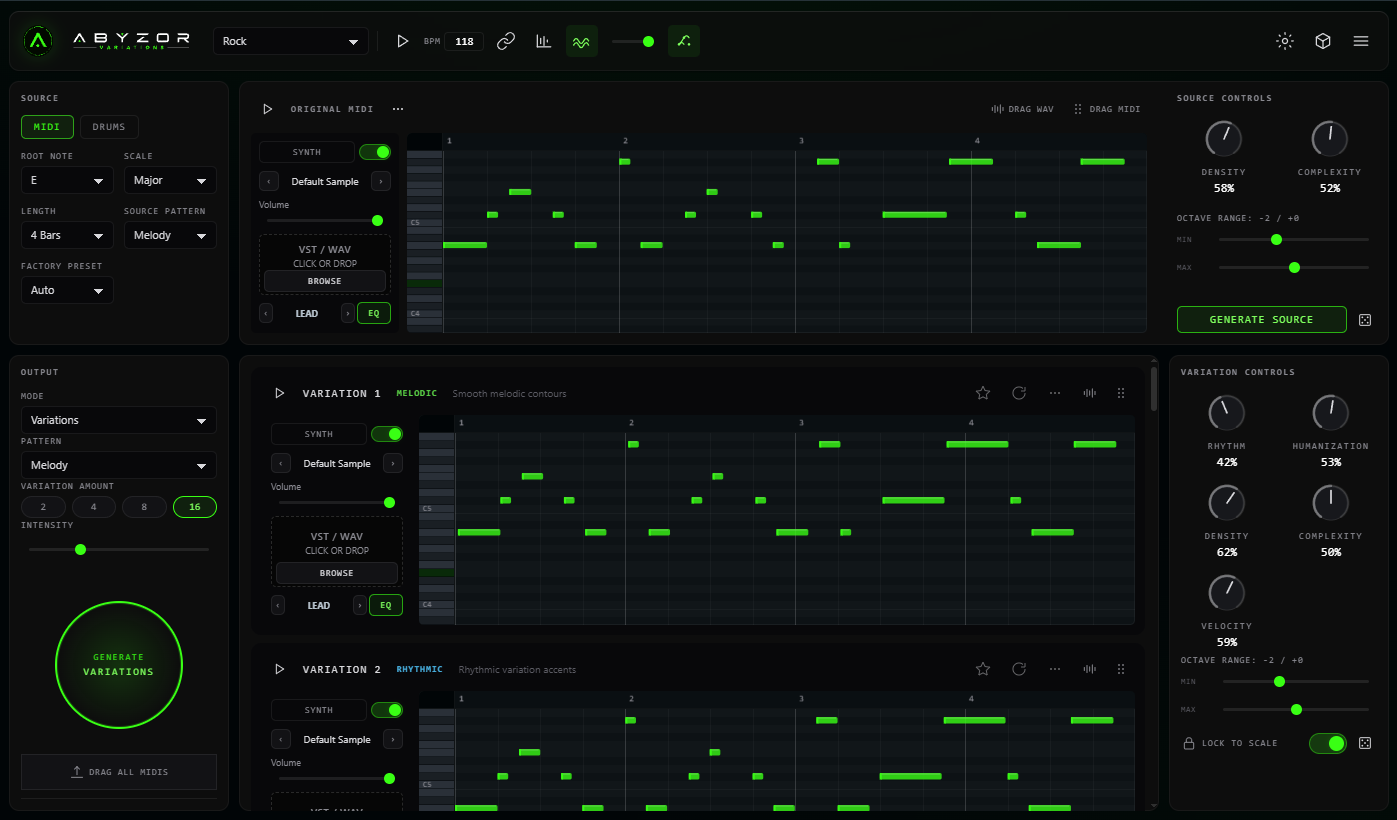
Genesis gets the idea onto the piano roll. That's where most generators stop — and where the actual work starts. Variations picks the same phrase up and develops it: variations of the melody, bass, chords and rhythm that still sound like your idea, plus the drums and arrangement underneath it.
Genesis stays free, forever. Variations is the one thing ABYZOR sells — bought once, with every future update included. You never need it to keep using Genesis.
Share ideas, presets and works in progress — plus early access to what we're building.
Genesis is our flagship free tool — actively developed and maintained. Not a trial, not a demo, not a project we've walked away from. Use it in personal and commercial productions with no royalty or licence fees.
Everything else ABYZOR makes, and where it fits around what you just downloaded.
ABYZOR Genesis.vst3 into your VST3 plugin folder — usually
C:\Program Files\Common Files\VST3.
Not showing up? Confirm the .vst3 file is directly inside the VST3 folder
(not in a nested subfolder), that the folder is in your DAW's scan paths, then rescan again.
Important: Genesis is a free, unsigned plugin, so macOS will block it on first launch. This is normal — approve it manually using the steps below.
Tip: you may need to approve the plugin twice — once in Privacy & Security, and once during the DAW rescan. After that it works normally.
Questions about Genesis? Visit the community or open Discord.