ABYZOR VARIATIONS
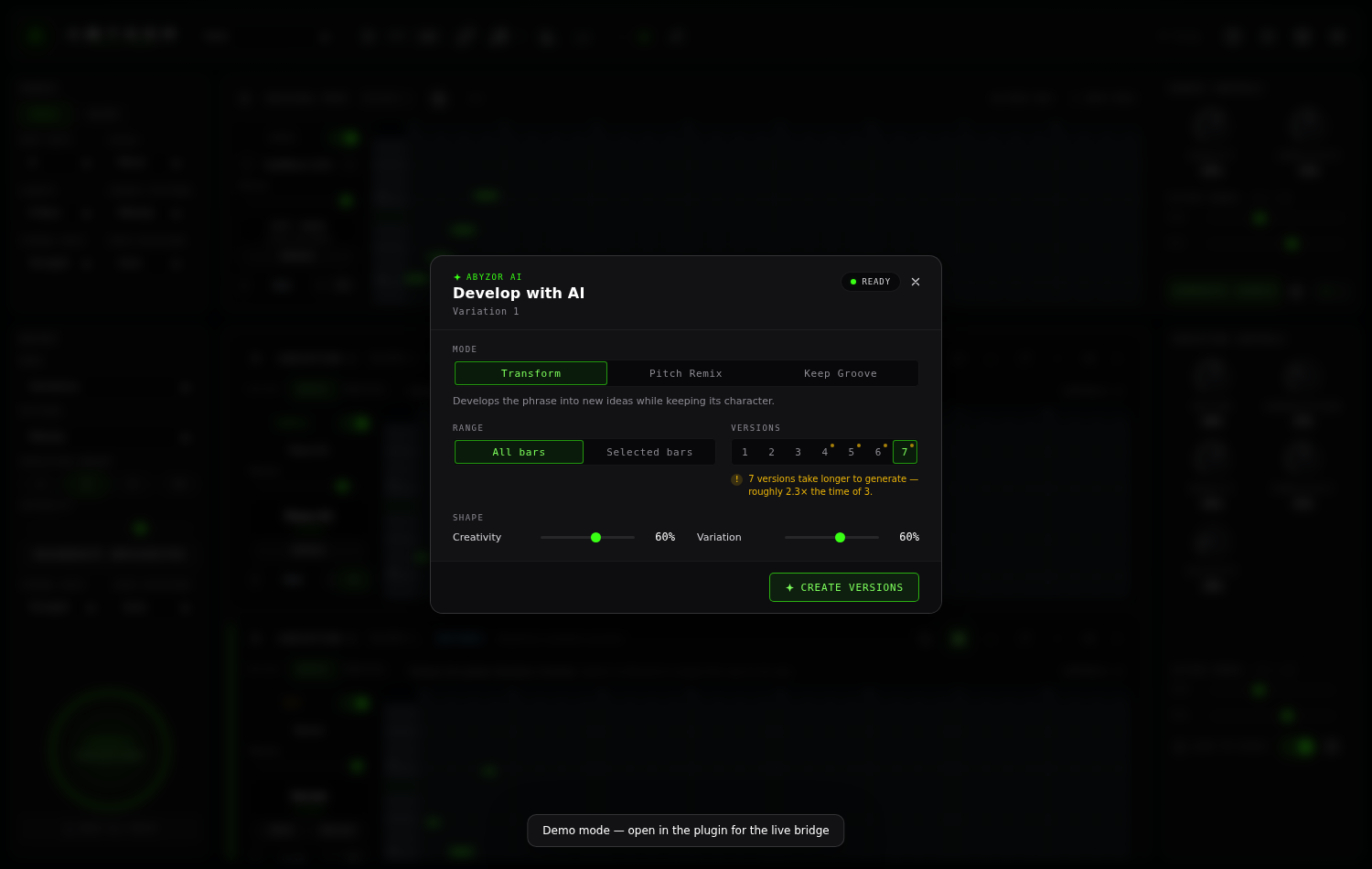
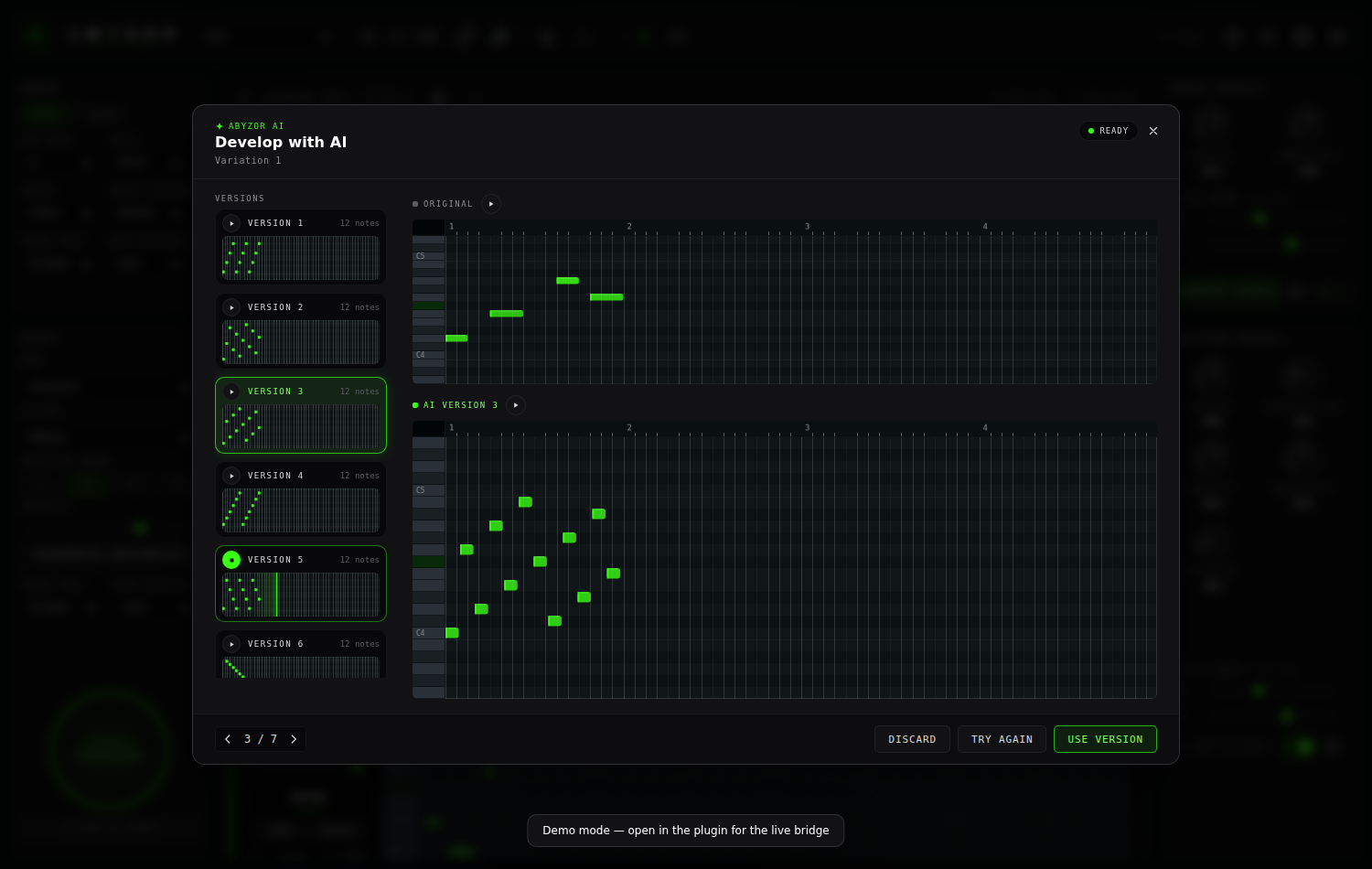
Evolve your musical ideas. Transform one MIDI melody or chord pattern into endless creative variations with intensity control, arrangement layers, and instant drag-and-drop export.
What you get
Everything included in v2.1.0
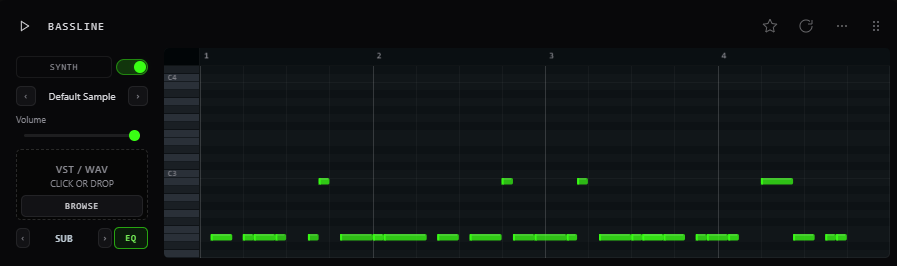
- Melody & Bassline Variations
- Chord & Rhythm Variations
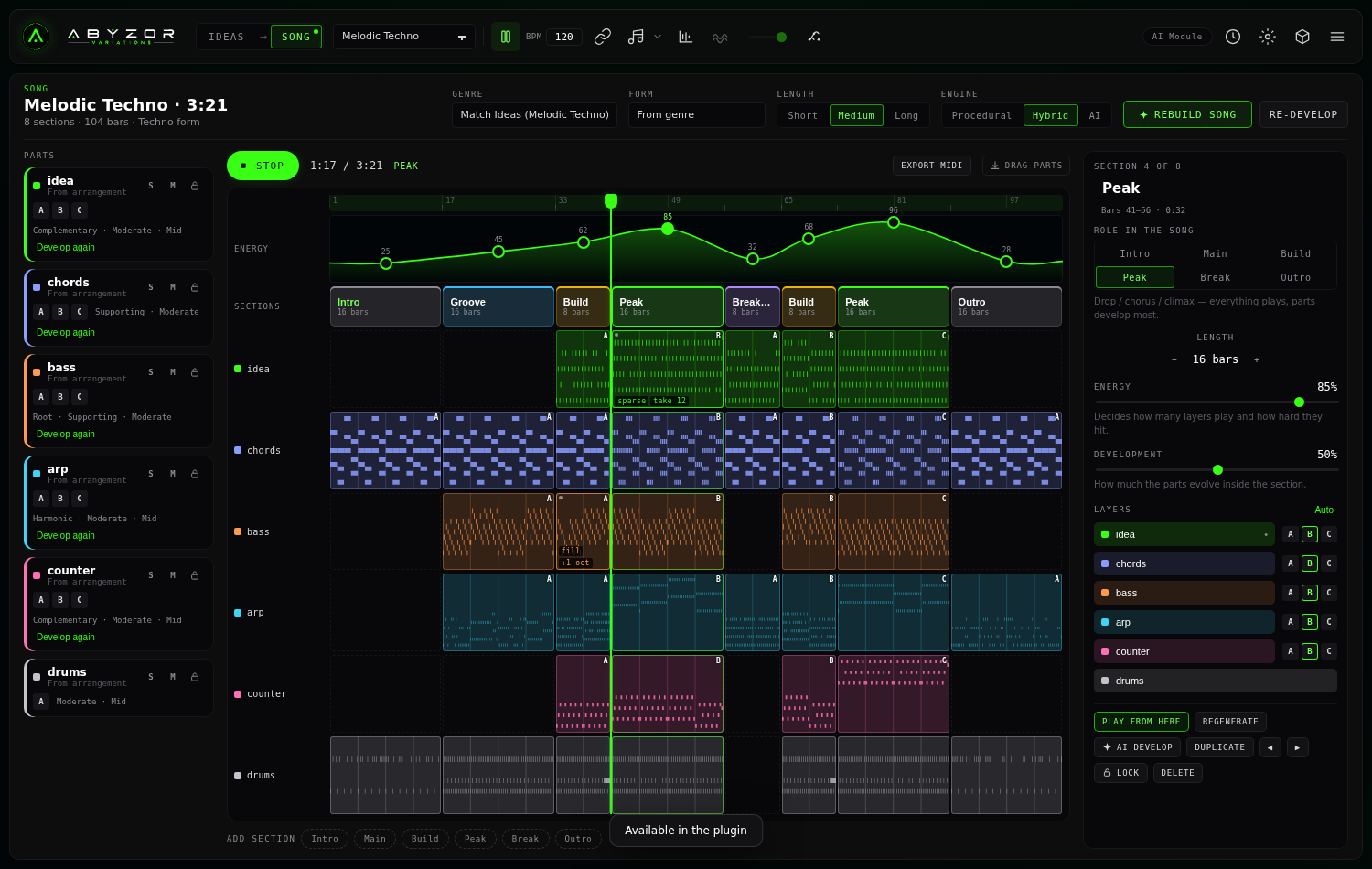
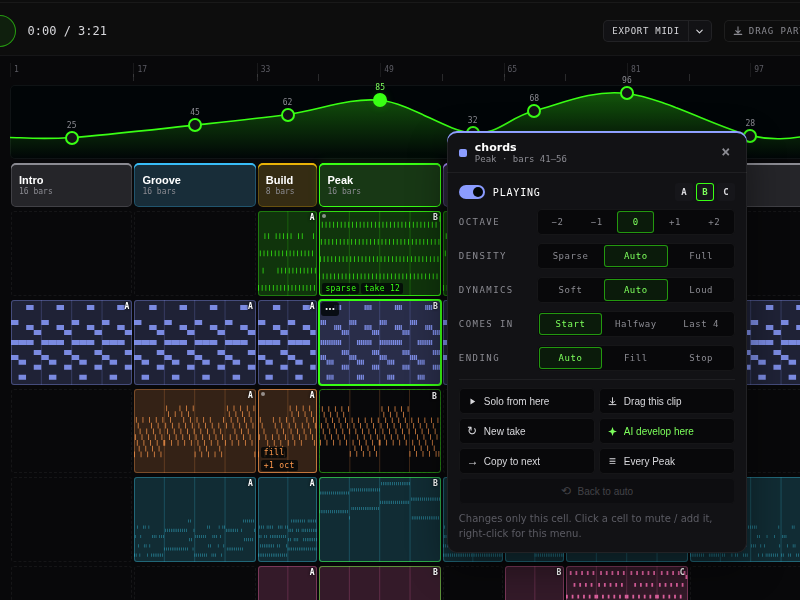
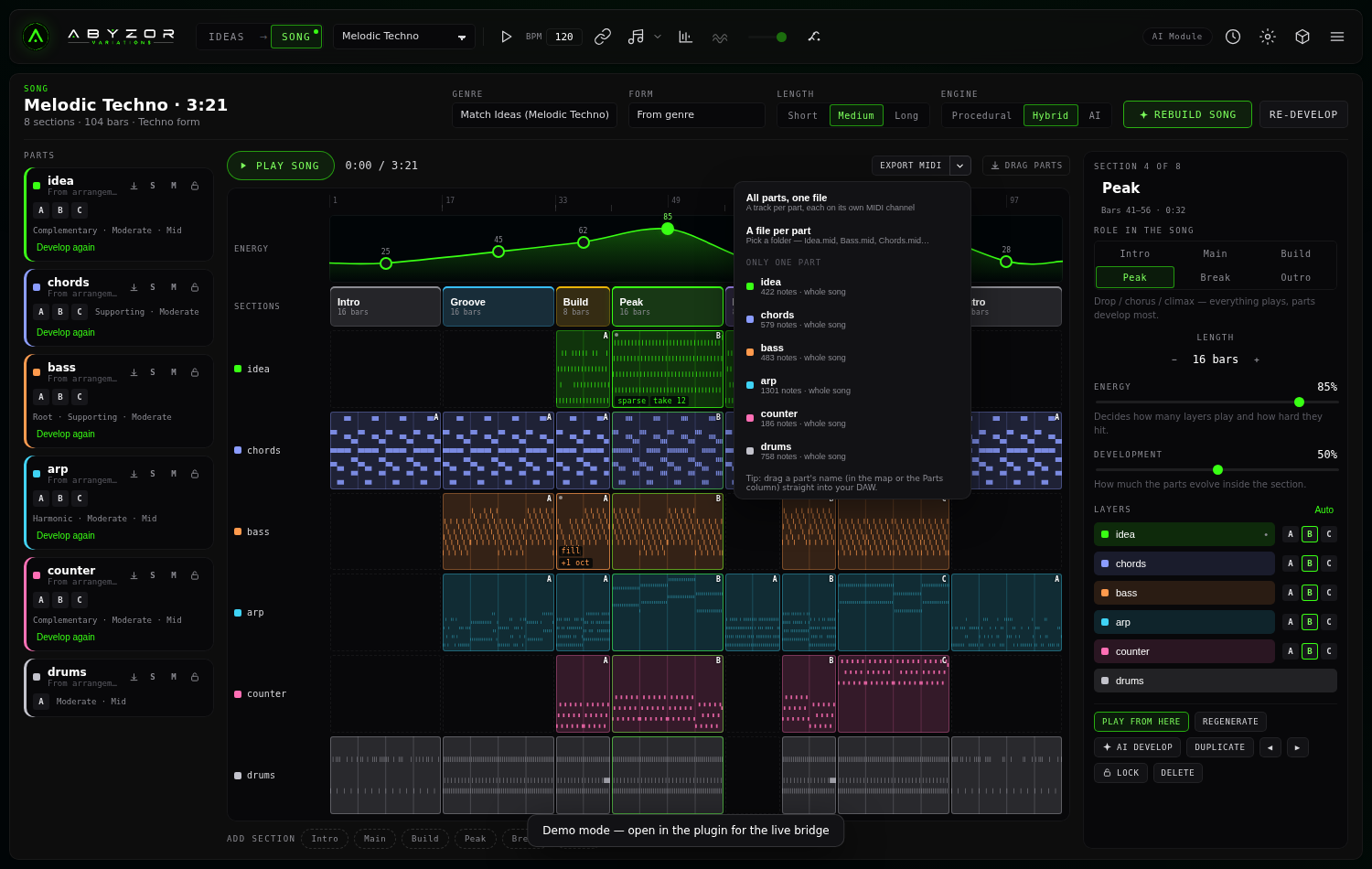
- Arrangement layers (Bass, Chords, Arp, Counter)
- Variation Intensity Control
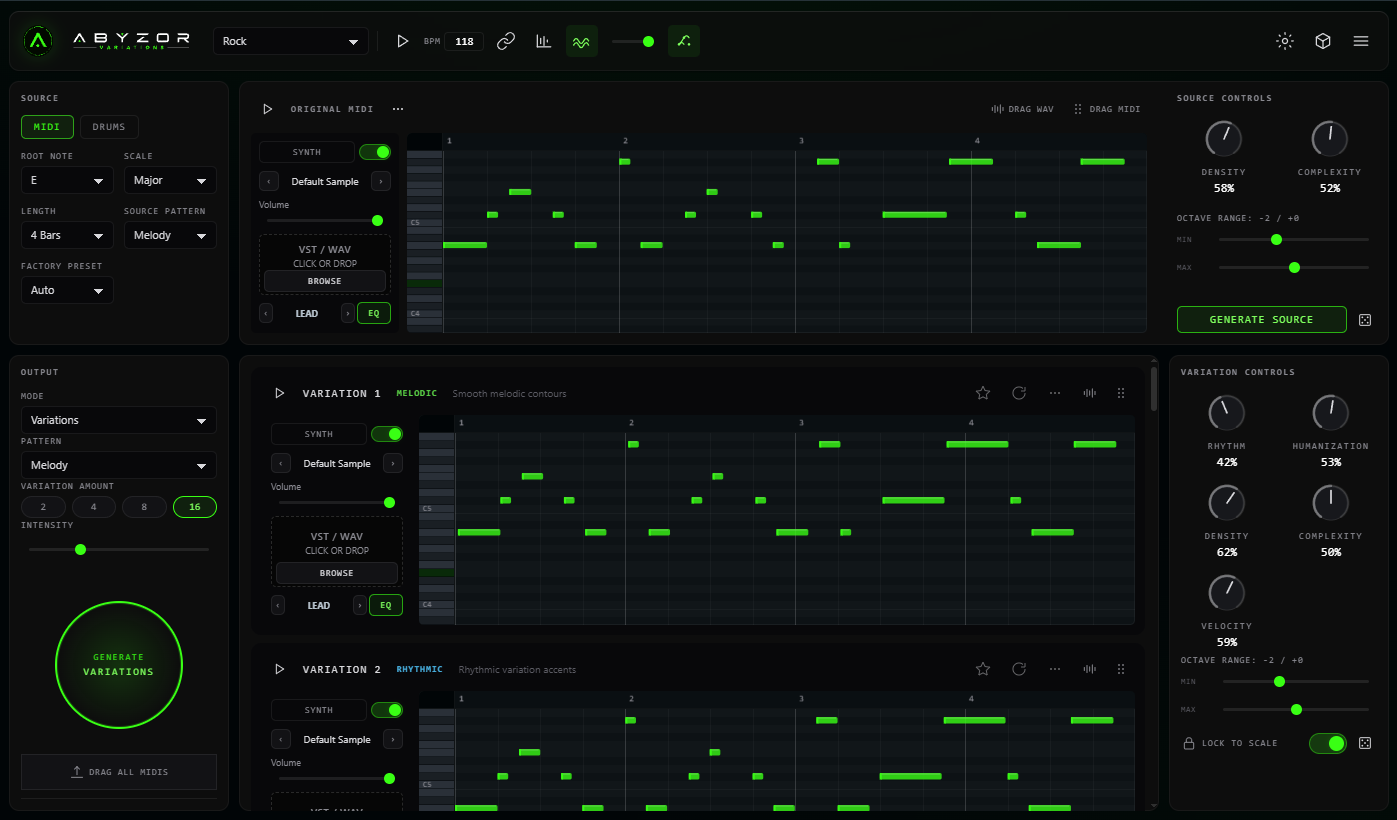
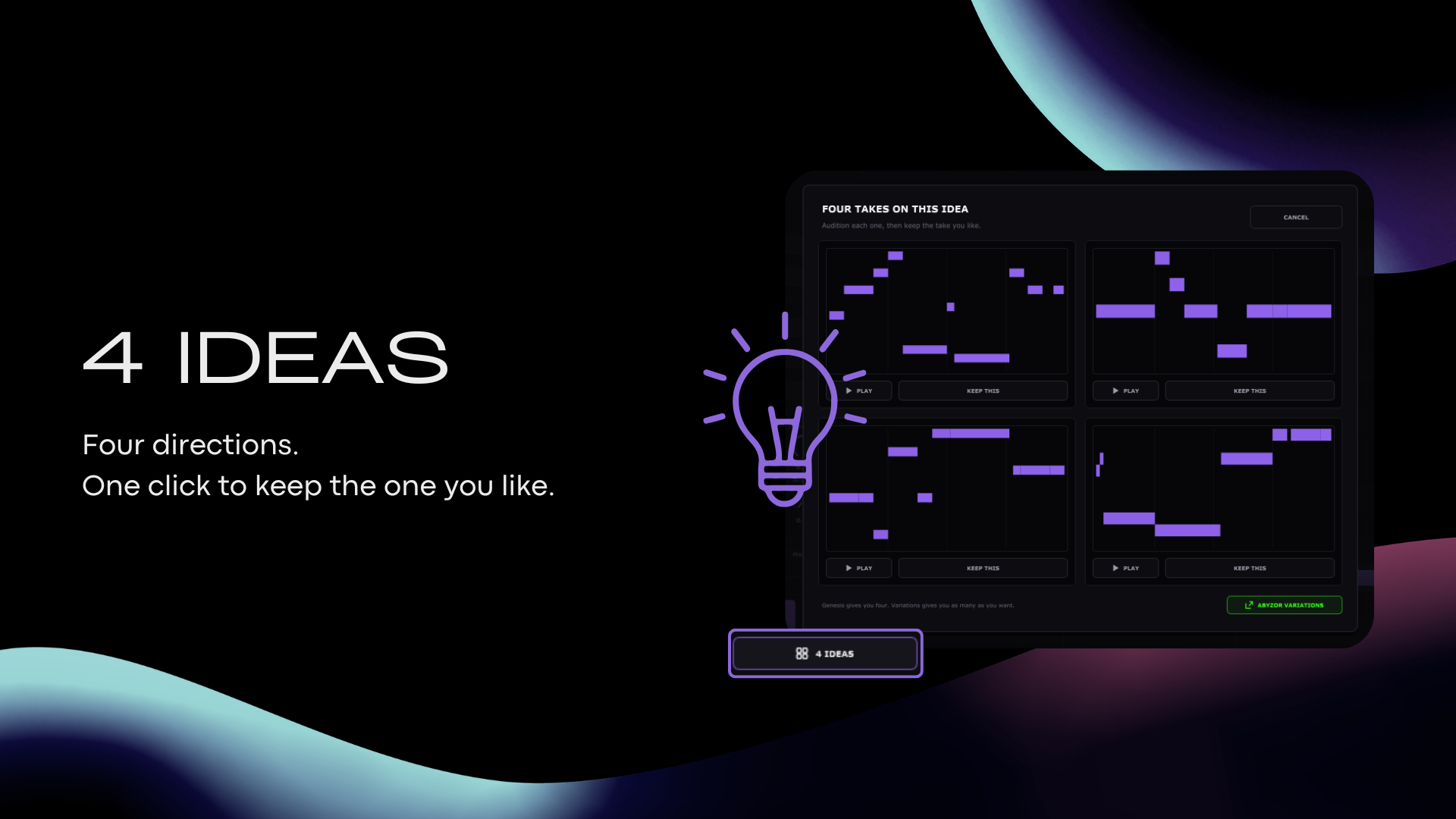
- 2 / 4 / 8 / 16 variations per batch
- MIDI Import & Export
- Genre-aware preview with optional backing groove (WAVE)
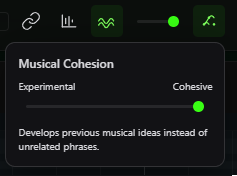
- Multi-part harmonic coherence by Type
- Preview timbres per musical Type
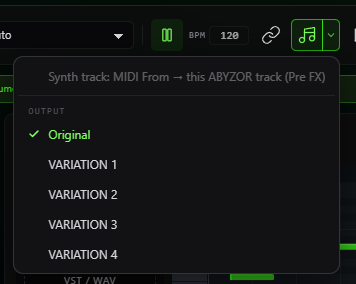
- LINK — DAW transport sync for preview audio
- Online & offline activation
Genre Groove Preview
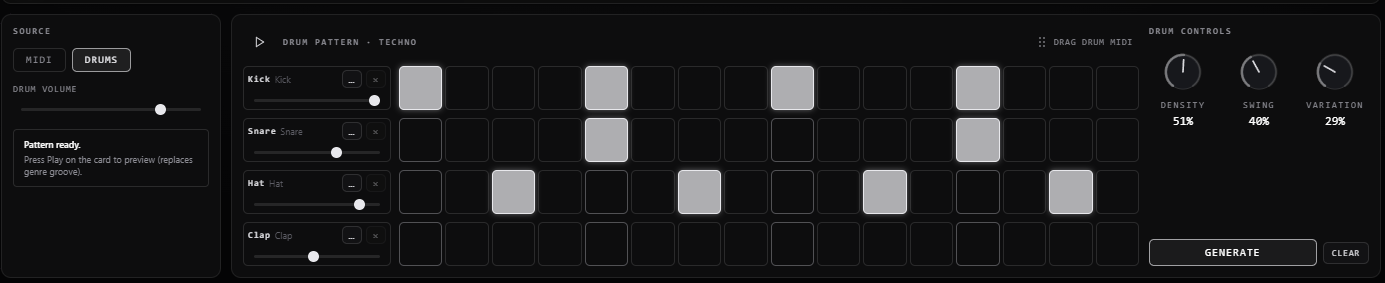
Hear your patterns in context. Each genre now plays back over a characteristic rhythmic groove and timbre — so House sounds like House, Techno like Techno, and so on. Preview your generated MIDI the way it's meant to be heard, right inside the plugin.
Click to expand
Build complete arrangements inside one plugin — v2.1.0 workflow.
NEW ABYZOR One
Artist Profile
The home for music creators.
Create your professional music identity with a beautiful public page for your music, socials and booking. More creator tools are on the way.
- Professional Artist Page
- Releases & Social Links
- Booking & Contact
- Free Forever
Start with your artist page. More creator tools are coming soon.
Changelog
- LINK: Preview audio follows DAW transport — record loops on the same instrument track.
- Preview fixes: Clean VST wrap at pattern boundaries; silence outside DAW loop region.
- Removed: Host Sync MIDI submenu — use LINK or MIDI drag/export instead.
Quick FAQ
Common questions — based on the Variations user guide.
What is ABYZOR Variations?
ABYZOR Variations is a MIDI variation generator VST3 for Windows. Start from a melody, bassline, or chord idea and generate melody, bassline, chord, and rhythm variations — with arrangement layers and drag-and-drop MIDI export into your DAW.
Does it work with my DAW?
Variations v2.1.0 runs on Windows 10+ as a 64-bit VST3. It works with any DAW that supports VST3 instruments, including Ableton Live, FL Studio, Reaper, Cubase, and Studio One. Load it as an Instrument (MIDI generator), not as a MIDI FX.
How do I install it?
Installer (recommended)
Close your DAW, run ABYZOR-Variations-v2.1.0-Installer.exe, and choose the VST3 folder
your DAW scans (typically C:\Program Files\Common Files\VST3\). Finish the wizard, then
rescan plugins in your DAW. If Windows SmartScreen blocks the installer, click More
info → Run anyway.
Manual zip (advanced)
Download ABYZOR-Variations-v2.1.0-windows-manual.zip from abyzor.space/variations, extract it, close your DAW, and copy the full
ABYZOR Variations.vst3 folder (including Resources/) into
C:\Program Files\Common Files\VST3\. Rescan plugins in your DAW. This path skips Windows
SmartScreen — useful if the installer is blocked.
Full step-by-step guides for Windows and macOS: abyzor.space/variations/install
Bought on KVR Audio?
After purchase you receive a short redemption code. Go to abyzor.space/redeem, enter your code and email, and you'll get your full license key to activate in the plugin.
How do I activate my license?
On first launch, paste your full license key from your purchase email or the success page, then click ACTIVATE LICENSE. An internet connection is required for online activation. Your license is saved locally on this computer after activation.
Can I activate offline?
Yes. In the license overlay, click No internet? Activate offline, copy your Machine Code, then open activate-offline on any device with internet. Submit your license key and machine code, paste the activation token back into the plugin, and click ACTIVATE.
How do I generate my first variations?
Activate your license, import or generate an original MIDI phrase, set root note and scale, choose Variations or Arrangement mode, then click GENERATE VARIATIONS or GENERATE ARRANGEMENT. Preview rows with ▶, favorite the ones you like, and drag MIDI into your DAW.
Plugin does not appear in my DAW
Confirm the install path matches your DAW’s VST3 scan folder, run a full plugin rescan, load Variations as an Instrument (not MIDI FX), and restart your DAW after installing.
What does the WAVE (groove) toggle do?
With WAVE on (green), the internal preview plays at your selected Type’s genre BPM with synthesized backing drums plus Type-specific timbres. With WAVE off, you hear MIDI with Type timbres only and the preview BPM follows your DAW. Exported or dragged MIDI never includes drum notes — the groove is preview-only.
Do future updates cost extra?
No. Buy once at the $9.99 Launch Price — future updates for ABYZOR Variations are included with your purchase.